
How Do I Know If My Phone Is Linked to Another Device: Tips
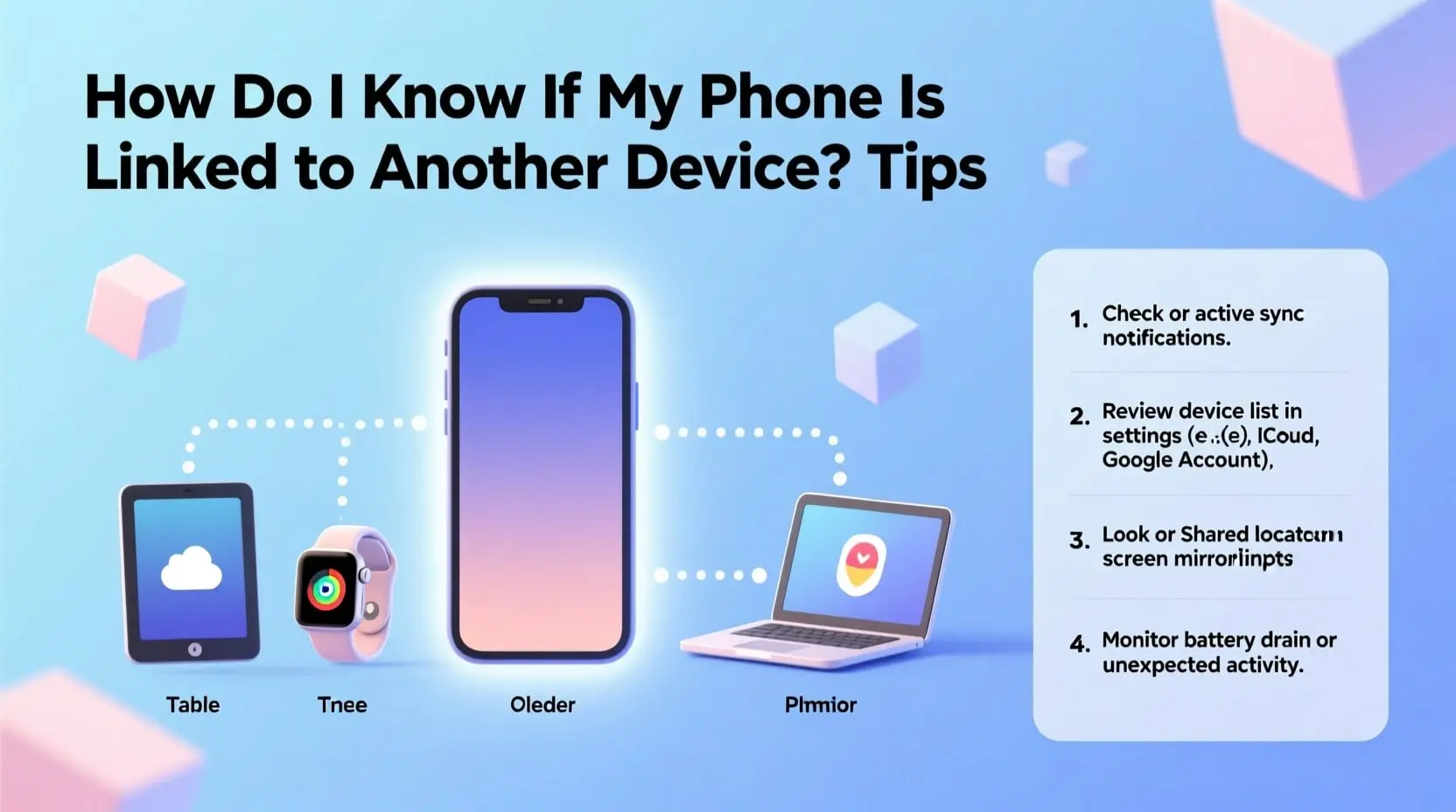
In today's interconnected digital world, our smartphones serve as the central hub for our personal and professional lives. From banking information to private conversations, our phones contain sensitive data that we want to keep secure. If you've ever wondered, "How do I know if my phone is linked to another device?" you're not alone. Millions of people share this concern, especially as cyber threats continue to evolve. Understanding the signs and knowing how to check for unauthorized connections can help protect your privacy and keep your information safe from prying eyes.
Understanding Device Linking and Why It Matters
When your phone is linked to another device, it means there's an active connection that allows data sharing, synchronization, or remote access between the two devices. While this feature is incredibly useful for legitimate purposes like backing up photos or using wireless earbuds, it can also be exploited by malicious actors.
Unauthorized linking can occur through various methods, including Bluetooth connections, cloud account sharing, spy applications, or even through your home Wi-Fi network. The consequences of unwanted device linking range from minor privacy invasions to serious security breaches that could compromise your financial information and personal identity.
How Do I Know If My Phone Is Linked to Another Device Through Settings?
The most straightforward way to check for linked devices is through your phone's settings. For iPhone users, navigate to Settings, tap your Apple ID at the top, and scroll down to see all devices connected to your account. Any unfamiliar device appearing in this list should raise immediate concern.
Android users can perform a similar check by opening Settings, selecting Google, and then managing their Google Account. Under the Security tab, you'll find a section showing devices that have accessed your account. Both operating systems also allow you to check Bluetooth connections by going to the Bluetooth settings and reviewing paired devices.
Warning Signs Your Phone May Be Compromised
Several telltale signs might indicate your phone is connected to an unknown device. Pay attention to these warning signals that could suggest unauthorized access:
Unusual battery drain is often the first indicator. If your battery suddenly depletes faster than normal without any change in your usage patterns, background processes from linked devices or spy software might be responsible.
Unexpected data usage spikes can also signal trouble. Monitoring apps often transmit data to remote servers, consuming your mobile data in the process. Check your data usage statistics regularly to spot any anomalies.
Strange noises during calls, such as clicking, static, or distant voices, might indicate call interception. While network issues can cause similar problems, persistent strange sounds warrant investigation.
Apps you don't remember installing or settings that change without your input are serious red flags. Some linking methods require installing software on your device, so review your app list regularly.
Checking Cloud Account Activity for Suspicious Access
Your cloud accounts represent a significant vulnerability point. Both iCloud and Google accounts maintain detailed logs of device access and account activity. Review these logs periodically to ensure only your devices are accessing your information.
For enhanced security, enable login notifications so you receive alerts whenever your account is accessed from a new device or location. This proactive approach helps you catch unauthorized access immediately rather than discovering it weeks or months later.
Securing Your Bluetooth and Wi-Fi Connections
Bluetooth and Wi-Fi connections offer convenient ways to link devices but also create potential security vulnerabilities. Turn off Bluetooth when not in use, and regularly review your list of paired devices. Remove any connections you don't recognize or no longer use.
For Wi-Fi security, ensure your home network uses strong encryption and a complex password. Check your router's connected devices list periodically to identify any unknown devices that might be accessing your network and potentially your phone's data.
Steps to Remove Unauthorized Device Connections
If you discover suspicious connections, take immediate action to secure your phone. Start by signing out of all devices through your cloud account settings, then change your passwords immediately. Use strong, unique passwords that combine letters, numbers, and symbols.
Enable two-factor authentication on all accounts for an extra layer of security. This ensures that even if someone has your password, they cannot access your account without the secondary verification code.
Consider performing a factory reset if you suspect spy software has been installed. Before doing so, back up your important data to a secure location. After the reset, carefully reinstall only the apps you need from official app stores.
Preventing Future Unauthorized Linking
Prevention is always better than cure when it comes to digital security. Never leave your phone unattended in public places, as physical access makes it easier to install monitoring software or create unauthorized connections.
Keep your phone's operating system and apps updated to patch security vulnerabilities. Be cautious about clicking links in emails or messages, as phishing attempts often lead to compromised accounts.
Regularly audit your connected devices and account access logs as part of your digital hygiene routine. This habit helps you catch potential issues early before they become serious problems.
Using Security Apps to Monitor Device Connections
Several reputable security applications can help monitor your phone for suspicious connections and activities. These apps scan for malware, track device connections, and alert you to potential security threats. Choose apps from well-known security companies with positive reviews and a track record of protecting user privacy.
Conclusion
Protecting your smartphone from unauthorized access requires vigilance and regular security checks. Knowing "How do I know if my phone is linked to another device?" is the first step toward maintaining your digital privacy. By regularly reviewing connected devices, monitoring unusual phone behavior, and implementing strong security practices, you can significantly reduce the risk of unauthorized access to your personal information. Stay proactive about your phone's security, and don't hesitate to take immediate action if you notice any suspicious activity. Your digital safety depends on the steps you take today to secure your devices and accounts.

 English
 Arabic
 French
 Spanish
 Portuguese
 Deutsch
 Turkish
 Dutch
Dutch
 Italiano
 Russian
 Romaian
 Greek
Greek